

### Blog Post:
smart door lock with fingerprint technology is transforming home security, offering a fast, keyless way to unlock your door using your unique biometrics. If you are considering upgrading your front door or want to avoid fumbling for keys or memorizing codes, understanding how these locks work—and where they might fall short—is essential for a smarter, safer home.
Key Takeaways
- Fingerprint smart door locks give one-touch access but can struggle with wet or damaged fingers and app stability issues.
- The best models integrate well with smart home platforms, offer multiple entry methods, and detailed access logs for extra control.
- Installation is straightforward, but reliability, power options, and genuine long-term durability vary greatly between brands.
- What Is a Smart Door Lock With Fingerprint and Why Choose One?
- How to Choose and Set Up a Smart Door Lock With Fingerprint: Step-by-Step
- Advanced Analysis & Common Pitfalls of Fingerprint Smart Door Locks
- Conclusion: Should You Buy a Smart Door Lock With Fingerprint?
- Frequently Asked Questions
What Is a Smart Door Lock With Fingerprint and Why Choose One?
A smart door lock with fingerprint is a keyless electronic lock that uses a built-in fingerprint sensor to verify your identity and unlock your door in less than a second. Instead of traditional keys or simple PIN codes, you use your finger for instant, secure entry. Most models support multiple fingerprints, remote app controls, PIN access, and deep integration with today’s smart home platforms.
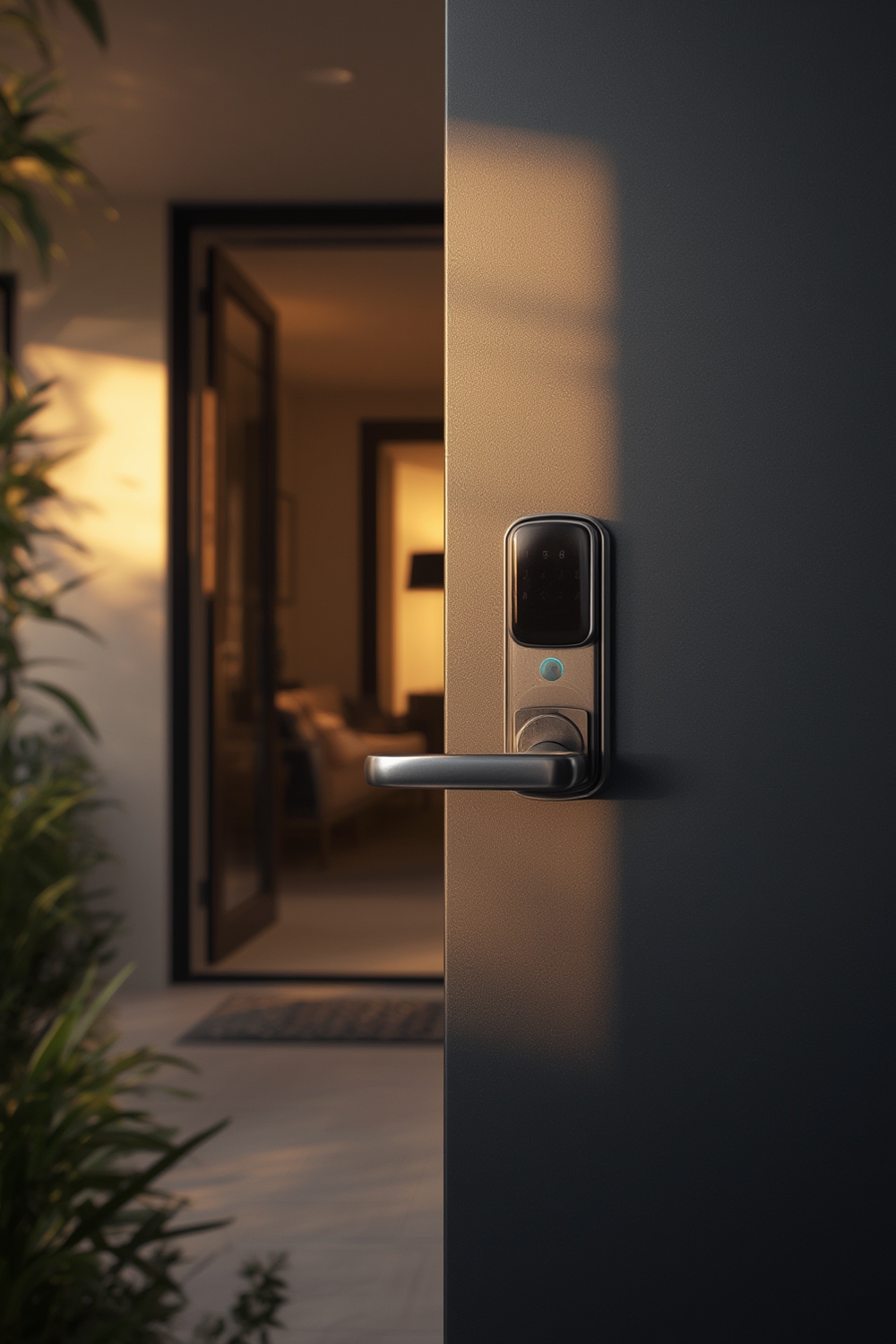
Why choose a smart lock with fingerprint? For homeowners, it means you never have to keep track of keys or reset forgotten codes. Access for family, friends, or service providers can be managed remotely, without making extra keys. Entry is lightning-fast—many readers unlock in about 0.3 seconds. Some of the best models, like the Kwikset fingerprint smart locks tested by Consumer Reports, offer robust logging and scheduled access, while still allowing traditional backup options.
However, not all fingerprint locks are created equal. Wet or injured fingers can cause failures. Certain lock models experience reliability problems with third-party apps or lose power faster due to the fingerprint module. Knowing the tradeoffs and which features matter for your lifestyle helps you avoid expensive, frustrating mistakes commonly reported by new users.
For a full overview of other smart home security upgrades, see our Ultimate Guide to Smart Home Devices.
How to Choose and Set Up a Smart Door Lock With Fingerprint: Step-by-Step
The right smart door lock with fingerprint gives you both convenience and security. Use this checklist to choose and set up yours, avoiding the most common buyer regrets:
- Set Priorities: Decide which features you need. Must-have options include PIN and app unlock, WiFi or Bluetooth connectivity, access logs, and integration with Alexa, Google Assistant, or Apple HomeKit. Top locks also store at least 30–50 fingerprints for family and trusted guests.
- Check Compatibility: Confirm your door is compatible. Most deadbolt replacements fit standard US doors, but backplate size and door thickness matter. Confirmed support for your preferred smart home platforms prevents setup headaches later.
- Compare Reliability: Look for models with a reputation for fast fingerprint recognition and a reliable app. User testing shows the Yale Assure Lock 2 stands out, though other locks lag behind, especially when fingers are wet or the app is quirky.
- Battery Life & Backup: Choose locks with at least 6 months of battery rated life and an emergency power option (often a hidden physical key or 9V terminal) so you’re never locked out.
- Physical Security: Construction quality varies widely. Avoid models known to physically break or allow easy bypass. For extra safety, research whether the fingerprint templates are securely stored and encrypted.
- Install Properly: Follow instructions closely to avoid calibration errors in the fingerprint reader. Many users report issues if the sensor isn’t set up for “best” finger orientation or humidity conditions.
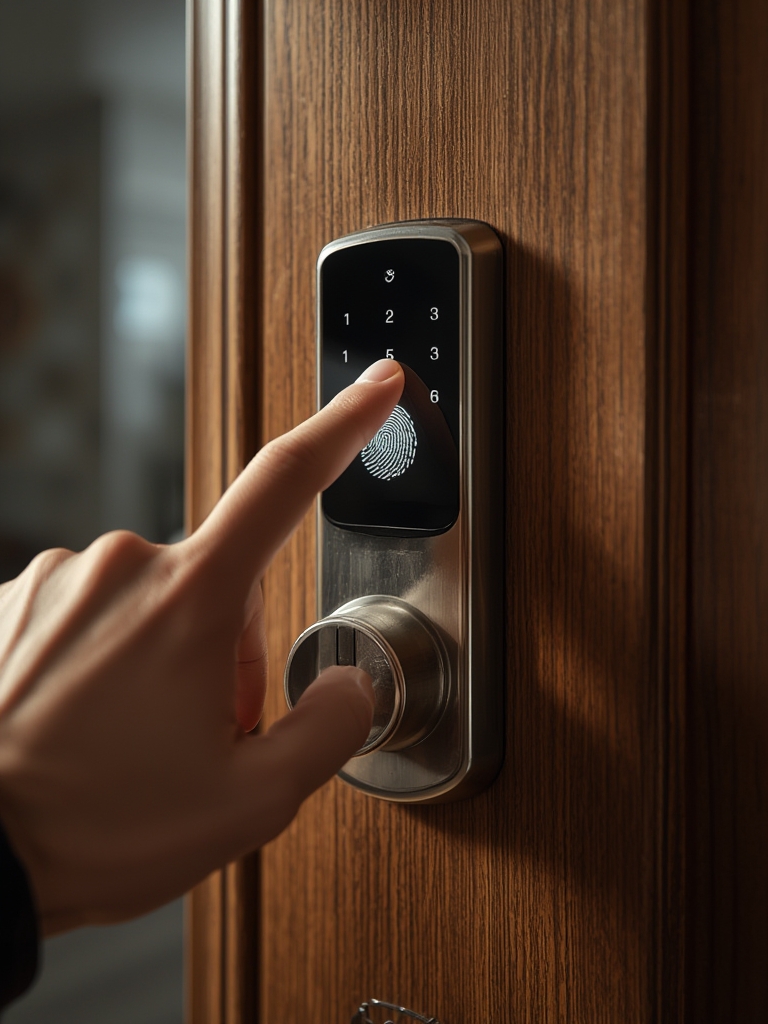
After mounting the lock, connect it to your home WiFi or smart hub, then test all access methods. Set temporary codes or scheduled access for guests. Review and activate privacy mode for added control, especially if you travel often or have frequent visitors.
For bigger home upgrades, pair your new fingerprint lock with a portable power station for home backup so you never lose access in an outage. Integrate alerts and routines using platforms like SmartThings, Alexa, or Apple HomeKit for hands-free locking as you leave or enter.
For a truly connected smart home, explore more in our robot vacuum and mop combo guide, helping streamline your household chores alongside smart security upgrades.
Advanced Analysis & Common Pitfalls of Fingerprint Smart Door Locks
Fingerprint smart door locks promise one-touch ease, but in real-world use, some pitfalls can frustrate homeowners—and even present security risks if overlooked:
- Fingerprint Recognition Fails: Wet, dirty, or injured fingers remain a leading cause of rejection. No brand has fully solved this issue, so a PIN or app fallback is essential. Over 90% of users end up relying on a PIN at least some of the time, especially in bad weather or after manual labor.
- App Instability and Smart Home Sync Issues: Feature-rich apps often crash or lose sync with smart home platforms if the lock enters sleep mode. This is especially a risk with third-party integrations, not the native apps, as reported in user testing (YouTube source).
- Battery Anxiety: Fingerprint sensors drain batteries quicker than non-biometric locks. Models lacking backup power or physical key override can leave you locked out if you miss a battery warning.
- Construction Quality Matters: Cheap builds yield breakage. At least one popular model failed structurally in under two weeks. Higher prices do not always correlate with long-term durability (YouTube review data).
- Security Flaws: Some fingerprint readers, especially those using capacitor scanning, may be bypassed using molds or “fake finger” attacks. Because fingerprints can’t be changed, a physical or PIN-based backup is always wise.
- Unclear Data Privacy: Most consumer locks do not disclose how fingerprint templates are stored or whether they’re encrypted, raising privacy and security questions.
Here’s how fingerprint unlock compares to other common keyless entry methods:
| Aspect | Fingerprint | PIN/Passcode | App-Based |
|---|---|---|---|
| Speed | Very fast (0.3 seconds) | Quick, memorization required | Varies, depends on connectivity |
| Reliability | Susceptible to wet, injured fingers | Always works | Occasional platform failures |
| User Convenience | One-touch entry | Enter code every time | Remote unlock but needs phone |
| Security | Mold attacks possible | Shoulder surfing | Potential hacking |
If your top priority is total reliability in all conditions, always set a strong PIN code as backup. Save that code somewhere safe and teach household members to use both entry modes.

Long-term durability and reliable smart home integration are barely addressed in most online reviews. Consider checking warranties, battery replacement support, and reading independent testing notes (such as those from Consumer Reports) before choosing a brand.
For a better smart home experience, combine a fingerprint lock with devices like a smart indoor air quality monitor or a discreet LED strip lighting system. These pairings create a more integrated, secure, and comfortable living environment.
Conclusion: Should You Buy a Smart Door Lock With Fingerprint?
Smart door lock with fingerprint systems bring real convenience and a layer of modern security to your home. They offer the speed and ease of touch entry, easy management for guests, and full integration with your smart home system. However, reliability depends on fingerprint sensor quality, app stability, battery planning, and knowing when to rely on old-school backup codes or keys.
If your family values convenience, automation, and quick door access, a fingerprint smart lock delivers. Just remember to set strong PIN codes, register multiple fingerprints, and maintain battery backups. With careful planning, this can be the most life-changing upgrade to your home security setup.
Ready to take the next step? Explore more smart home solutions, or upgrade today to a smart door lock with fingerprint—and make your daily routines faster, safer, and smarter.
Frequently Asked Questions
How secure is a smart door lock with fingerprint compared to a traditional lock?
Fingerprint smart locks are generally more convenient than traditional locks, but some can be bypassed with fake prints or molds. Choose a reputable brand and always activate a strong PIN fallback for extra safety.
What happens if the fingerprint scanner fails or my finger is injured?
All good smart locks offer backup entry methods, such as PIN codes or a physical key override. Register multiple fingers for each user so if one finger is injured or wet, others can still work.
Do these locks work with all smart home systems?
Many top brands offer integration with Alexa, Google Assistant, and Apple HomeKit, but cross-ecosystem reliability varies. Always check compatibility and real-world performance feedback for your chosen smart home platform.
How long do the batteries last?
Battery life is typically 6 to 12 months, but frequent use of the fingerprint sensor shortens this. Choose a model with clear low-battery alerts and a backup power option to prevent lockouts.
Is my fingerprint data stored securely?
Most consumer locks do not share specifics about data encryption or privacy standards. Prefer brands that store fingerprint templates locally (not in the cloud) and provide clear privacy statements.