

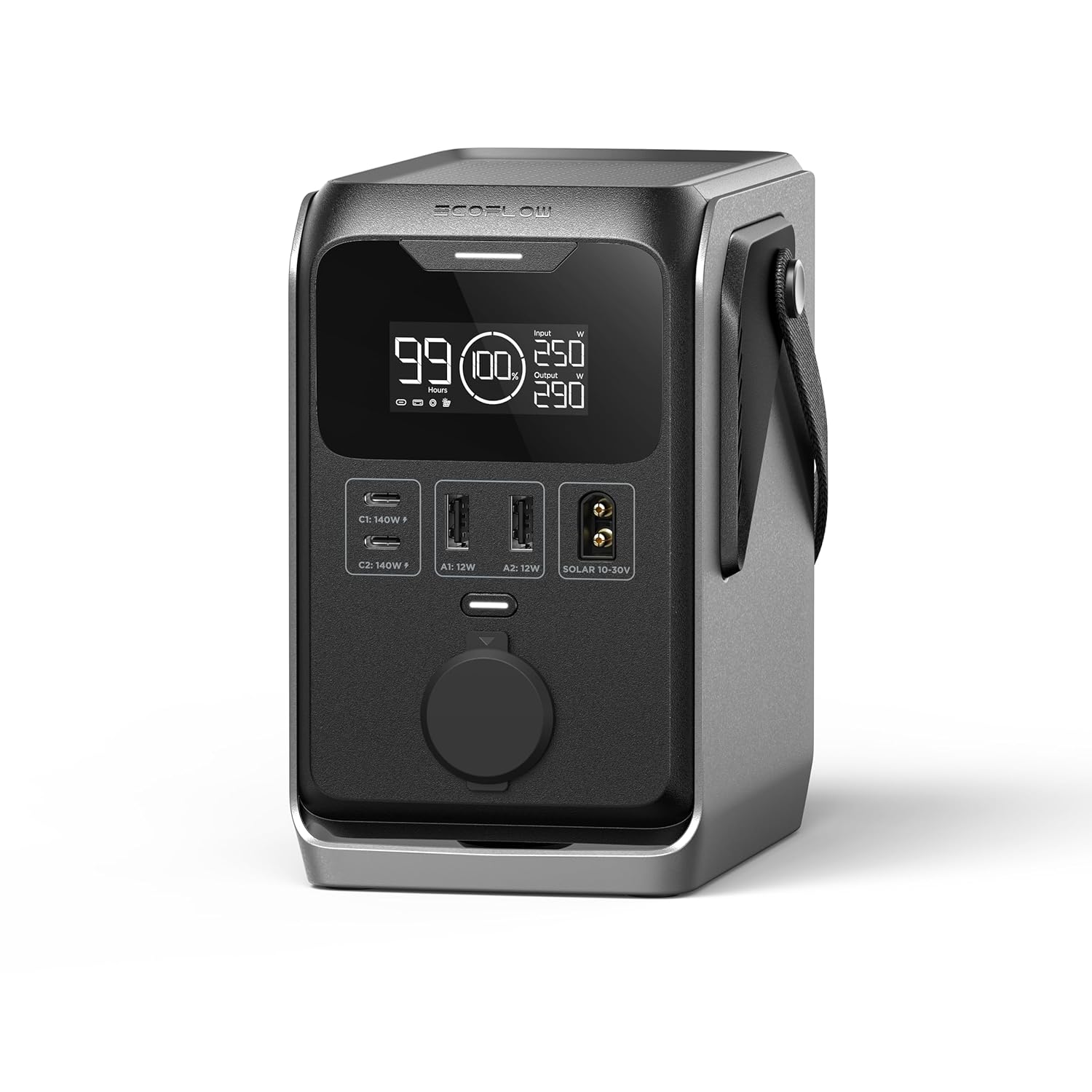
Portable power station for home backup is now a must-have for many homeowners and renters looking to stay powered during blackouts, storms, or power grid failures. Outages, weather risks, and new tech have made these battery “generators” a modern essential—but the reality is more complicated than the marketing claims.
Key Takeaways
- Portable power stations now serve as practical home backup solutions, not just for camping—especially in North America and Asia Pacific.
- Biggest user complaints are about high pricing, misunderstood runtimes, recharging limitations, fan noise in apartments, and lack of “whole-house” scalability.
- Choosing and using the right station demands honest load calculations, knowledge of real battery limitations, and awareness of building codes/HOA rules.
- What Is a Portable Power Station for Home Backup?
- How to Use a Portable Power Station for Home Backup (Step-by-Step)
- Advanced Analysis & Common Pitfalls
- Conclusion
- FAQ
What Is a Portable Power Station for Home Backup?
A portable power station for home backup is a quiet, rechargeable battery box (often called a “solar generator”) that stores enough electricity to keep essentials running when your home loses power. Unlike gas generators, they are safe to use inside, don’t need fuel, and connect easily to devices—or, with adaptors, to a few home circuits.
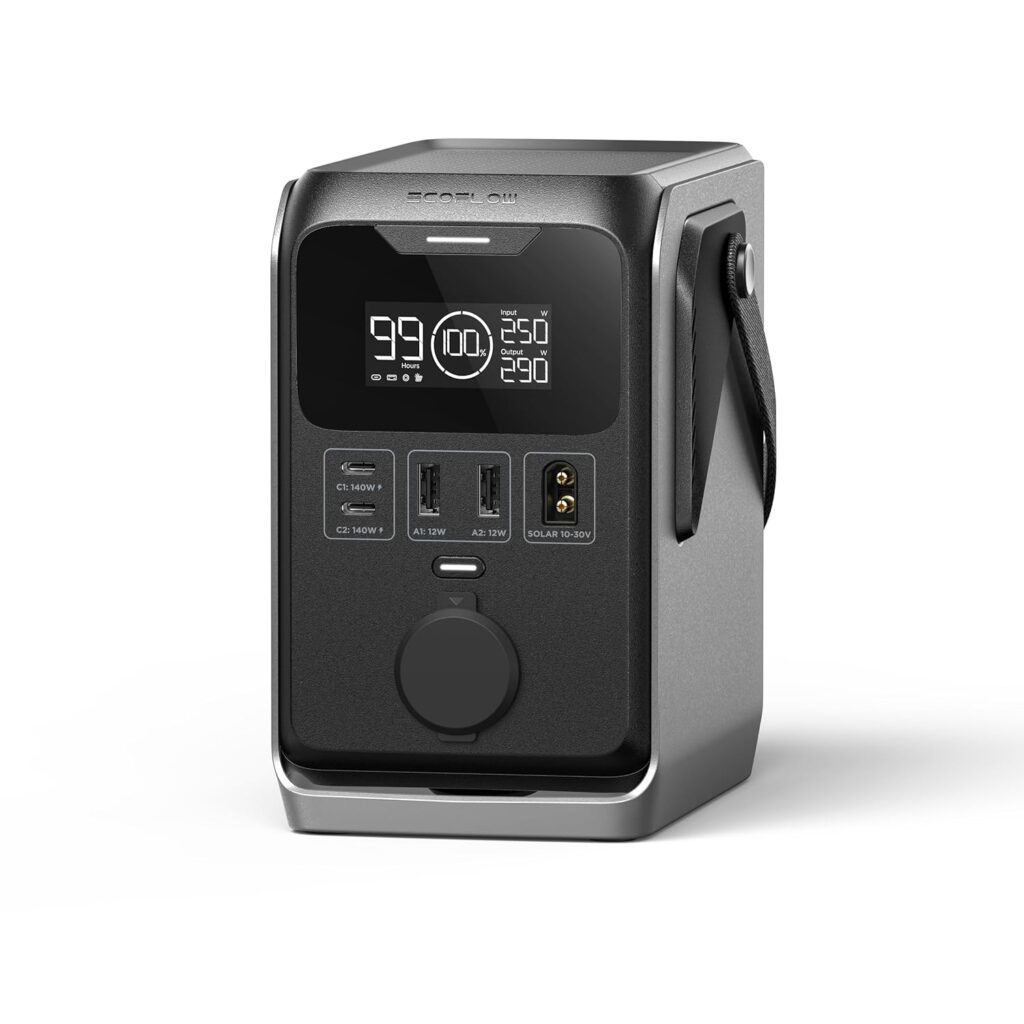
Typical units offer 1 to 3.6 kWh built-in (some expand up to 20 kWh+), delivering 1,000–3,600 W of AC power—enough for fridges, medical devices, internet, and lights for several hours. With portable folding solar panels, you can recharge off-grid—though with clear trade-offs around charge time and output. Before buying, users should understand both the strengths and real-world limits.
If you want to maximize whole-home security, you might combine a power station with smart home tech (see smart home devices 2026) or advanced automation.
How to Use a Portable Power Station for Home Backup (Step-by-Step)
- Identify your backup priorities.
List the essential devices you need powered (fridge, router, lights, medical gear). Check their wattage and estimate total runtime needed. - Size your power station properly.
Add up the wattage and hours required. For example, a fridge (100W average) for 10 hours needs 1,000 Wh. Add safety margin (10–30%). Don’t trust vague “whole house” marketing. - Choose battery chemistry and expandability.
Select LiFePO4 for the best cycle life (3,000–6,000+ cycles) and safety. If you want more than 3 kWh, look for stackable expansion packs. - Decide on charging sources.
Most units charge by AC wall outlet (faster), car port, or portable solar. If you expect frequent or long outages, buy extra panels or arrange hybrid charging. - Plan your connections and locations.
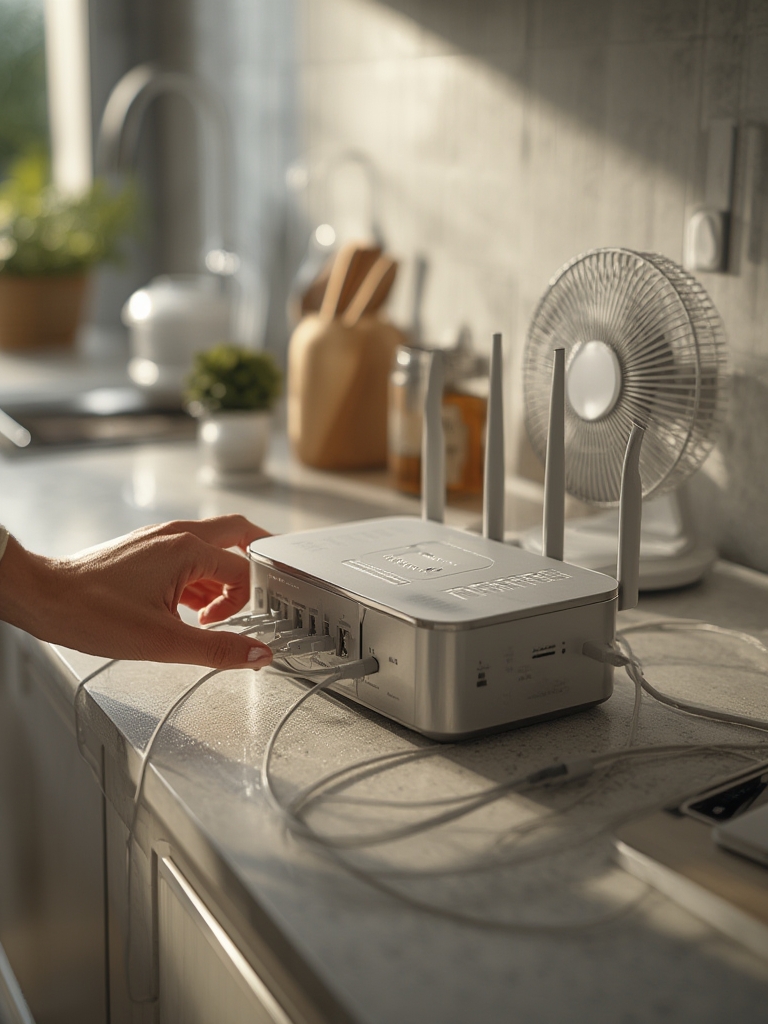
Use direct-plug for devices or power strips for multiple items. You can back-feed a few home circuits with a proper transfer switch, but this often needs an electrician and permissions. Avoid fire and code violations, especially in apartments. - Manage your loads and runtime.
During an outage, run only necessary loads. Cycle heavy-draw devices. Monitor battery state with the built-in display or companion app. - Store and care for your station properly.
Keep the battery 40–80% charged when storing long-term. Avoid extreme heat. Clean vents, update firmware, and check it every few months. - Stay aware of rules and best practices.
Review building, HOA, and lease rules if using in an apartment or multi-family setting. Comply with safety codes for battery storage. - Use smart home integration for easier management.
Many new stations work with smart plugs, automation hubs, or can be tied into a larger smart home setup.
Don’t forget to consider add-ons—like 100–400W folding solar panels. Before buying, check if your HOA, landlord, or building rules allow these on balconies or windows. For more on how home cleaning and energy efficiency play together, see the best robot vacuum mop combo 2026 guide, which aligns smart cleaning with your energy plans.
Advanced Analysis & Common Pitfalls
Even the best portable power stations have downsides that can trip up new users. Many reviews and manufacturer guides gloss over these. Below are the most common real-world problems—and how to avoid them.
| Problem | What Happens? | How to Minimize |
|---|---|---|
| Underestimating Runtime | Unit dies sooner than expected, fridge or CPAP shuts off overnight. | Size with margins; test with your actual appliances before an emergency. |
| Charging Too Slowly | Solar charging takes all day or longer, especially in cloudy weather. | Buy more panels than you think you need; rely on grid AC recharge when possible. |
| Overloading the Inverter | Pumps, microwaves, or AC compressors trip Overload; station shuts off for safety. | Check both continuous and surge watt specs, and be realistic about startup surges. |
| Fan Noise in Apartments | Noticeable background hum (35–60 dB) interrupts sleep or calls. | Place units in hallways or insulated corners; choose brands rated for quiet operation. |
| Battery Degradation | Capacity noticeably drops after a year or two, especially with deep cycles or hot storage. | Store at partial charge in cool conditions. Favor LiFePO4 chemistry for longevity. |
| Upfront & Lifecycle Cost Surprises | “All-in” prices (unit plus panels, cables, batteries) can reach thousands—sometimes without covering more than the fridge and lights. | Calculate full system cost, amortized per kWh and per year versus gas generators and utility rates. |
| Code Violations (Apartment/HOA) | Using batteries or panels where they’re not allowed leads to fines or forced removal. | Double-check building and HOA codes before installing or storing big batteries and solar panels. |
Official reports (source) confirm the biggest challenge for most buyers is balancing expected value with real performance. Runtimes are limited, especially for bigger appliances, and solar recharge speeds lag behind optimistic specs unless you can deploy significant panel area in full sun. Apartment and condo owners in particular face restrictions not mentioned in most “top 10” lists.
Battery aging is another gray zone. While many LiFePO4 systems offer 3,000–6,000 cycles, real-world loss in 2–4 years is rarely published except in long-term lab testing. Fans and app quirks can be more annoying than reviewers admit, especially for renters or shared spaces. For reliable cleaning and home backup, integrate strategies from robot vacuum buying guides to reduce your essential loads.
Conclusion
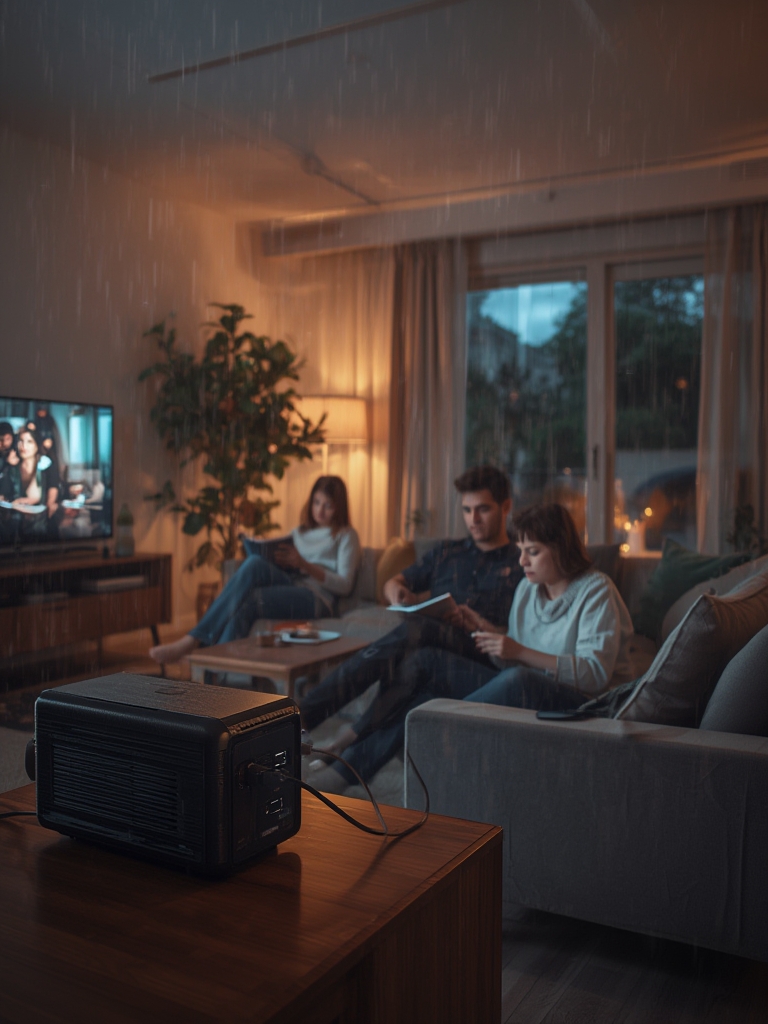
A portable power station for home backup can be a game-changer for short or moderate outages, especially in urban settings where gas generators are noisy, polluting, or banned. The technology is mature enough for basic home needs, but major trade-offs remain: high cost per kWh, limited high-load support, long real-world recharge times, and tricky noise/space issues for apartments.
Before buying, do your own load tests. Read the fine print on battery lifespan and charging speeds. Check local rules and be honest about your actual backup needs. For heavy or regular outages, combine battery stations with solar, smart automation, and (sometimes) a small gas backup for peace of mind. Explore more on efficient living with our latest robot vacuum mop combos and smart home devices.
Ready to pick the best portable power station for home backup? Compare specs, verify your needs, and make your home resilient—before the next outage strikes.
FAQ
How long will a portable power station run my fridge during a blackout?
Most medium-sized stations (1–2 kWh) will keep a typical fridge going for 6–12 hours—less if you run other devices simultaneously. Actual runtime depends on fridge efficiency and usage pattern. Always test with your specific appliance for accurate numbers.
Can I power my whole house with a portable power station?
No. Even high-end models cannot support all home circuits at once for more than a few hours. They are best for essentials (fridge, lights, WiFi, medical devices). For multi-day, whole-home coverage, look at larger battery systems or hybrid setups with a small generator.
Are portable power stations safe to use indoors?
Yes, because they use batteries—not fuel—so there is no carbon monoxide risk. However, keep units away from heat, water, and ensure proper ventilation for cooling fans. Follow manufacturer safety guidelines at all times.
Can I use solar panels with a portable power station in my apartment?
Maybe. Many buildings or HOAs ban panels outside windows or on balconies. Smaller portable panels used inside, facing a sunny window, work for trickle charging but are much less effective. Always check building and lease rules first.
How much do portable power stations cost over time?
Expect $700–3,000+ for a decent home backup setup. Over the battery’s life, cost per kWh typically ranges $0.15–$0.30, plus the upfront price of accessories. They are more expensive than gas per kWh, but much safer and quieter.